Start here · beginner guide
Walk me through it
No clue what to do or what anything here means?
Answer one question at a time. We’ll help you pick a piece, measure it and get it ready to print.
YOUR DESIGN WORKSPACE
Your workshop
Shape it. Fit it. Make it yours.
What are you printing?
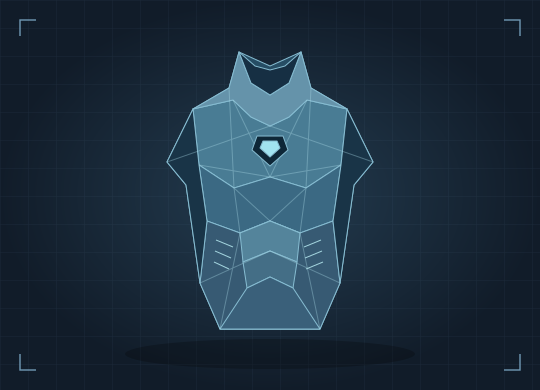
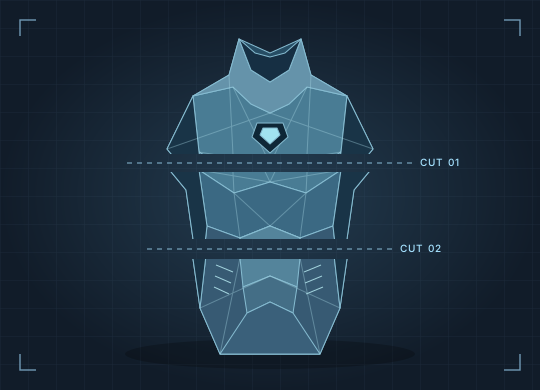
Statue preparation makes numbered STL sections. Your printer slicer still handles supports and the actual print file.- 1Upload your filesBring a ZIP, STL or 3MF.
- 2Measure(Can’t find the tape in your junk drawer? Use your phone.)
- 3Size & testTry a small piece first.
- 4Print & checkOpen your file in your slicer.
FIND YOUR NEXT BUILD
Have no files?
Search MakerWorld and Thingiverse for a character, costume or body part. Pick a result to see how to download its files.
THE BUILD WORKFLOW
From original file to a print that fits
Bring a costume ZIP or 3D file. We’ll help you measure the right spot, resize your piece and make a small fitting test before the full print.